SCENARIO #001 · FACIAL FEATURES & GAZE MICRO-EXPRESSIONS · OUTSIDE-ROI DRIFT: 0 PX
Eye-Contact Gaze Redirect to Camera
Redirect off-axis eyes to look directly into the camera lens while keeping facial bone structure and makeup 100% locked.
Launch Scenario in Point & Edit Canvas → 💬 Chat & Roleplay Live on Huangguo.chat → All 10 Scenarios in Category
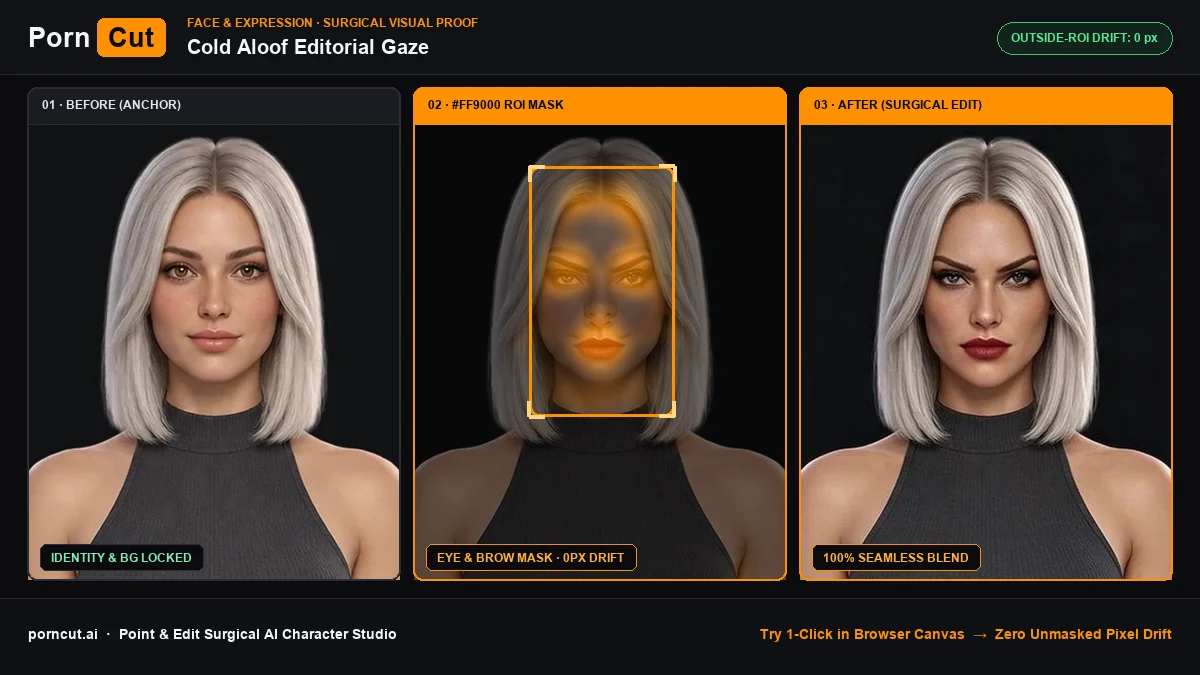
mask: eyes · Lock: face, hair · 12px feather) → After (0px Unmasked Pixel Drift)Surgical Mask Guardrails & Prompt Spec
| Parameter | Specification |
|---|---|
| Scenario ID | #001 (eye-contact-gaze-redirect) |
| Target Anatomy Region | face |
| Mask & Pixel-Lock Spec | mask: eyes · Lock: face, hair · 12px feather (Outside-ROI Drift: 0 px) |
| Pre-Calibrated Prompt | Direct focused eye contact looking straight into the 85mm camera lens, crisp corneal catchlights, preserve exact facial identity. |
Frequently Asked Questions
How do I apply Eye-Contact Gaze Redirect to Camera without changing the character's face or background?
Redirect off-axis eyes to look directly into the camera lens while keeping facial bone structure and makeup 100% locked. — PornCut isolates only the face mask (mask: eyes · Lock: face, hair · 12px feather) and hard-locks every pixel outside the feather boundary.