SCENARIO #069 · FABRIC PHYSICS, SHEER TRANSLUCENCY & STATE PACKS · OUTSIDE-ROI DRIFT: 0 PX
Steamy Shower Glass & Condensation Droplet Layer
Layer atmospheric warm bathroom steam and refractive glass condensation droplets in the foreground plane.
Launch Scenario in Point & Edit Canvas → 💬 Chat & Roleplay Live on Huangguo.chat → All 10 Scenarios in Category
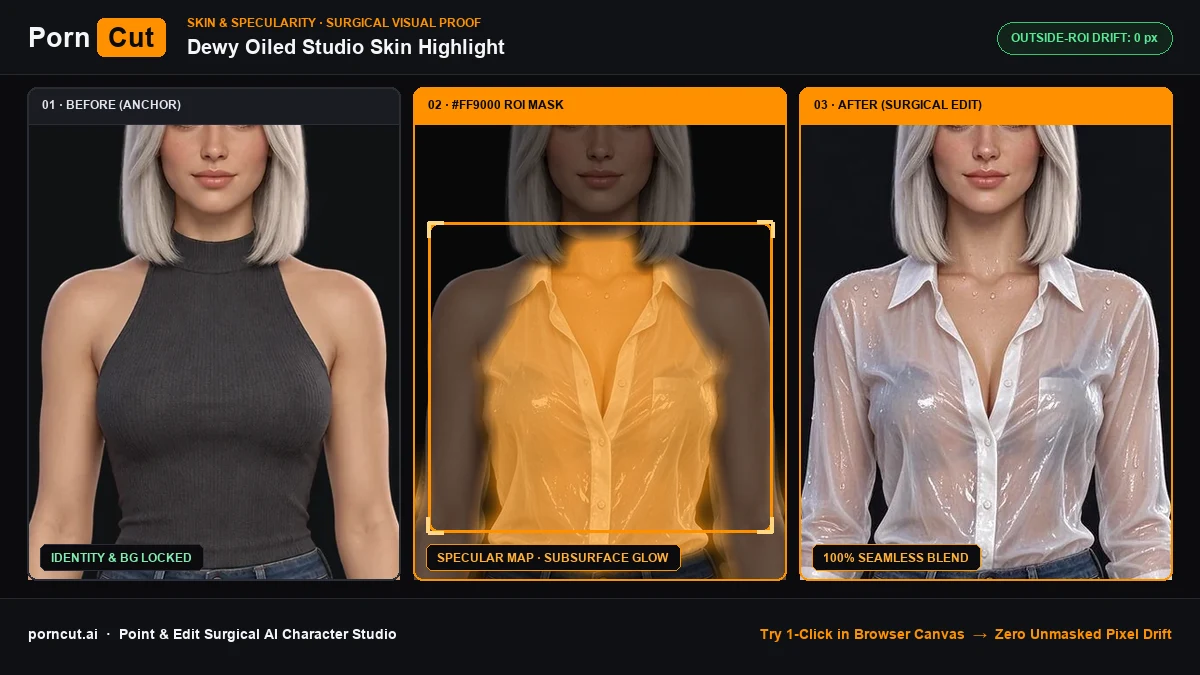
mask: foreground_veil · Refractive Steam Blur · 28px feather) → After (0px Unmasked Pixel Drift)Surgical Mask Guardrails & Prompt Spec
| Parameter | Specification |
|---|---|
| Scenario ID | #069 (steamy-frosted-glass-shower-overlay) |
| Target Anatomy Region | background |
| Mask & Pixel-Lock Spec | mask: foreground_veil · Refractive Steam Blur · 28px feather (Outside-ROI Drift: 0 px) |
| Pre-Calibrated Prompt | Atmospheric warm steam and condensation water droplets on a foreground glass pane, soft bokeh silhouette. |
Frequently Asked Questions
How do I apply Steamy Shower Glass & Condensation Droplet Layer without changing the character's face or background?
Layer atmospheric warm bathroom steam and refractive glass condensation droplets in the foreground plane. — PornCut isolates only the background mask (mask: foreground_veil · Refractive Steam Blur · 28px feather) and hard-locks every pixel outside the feather boundary.